



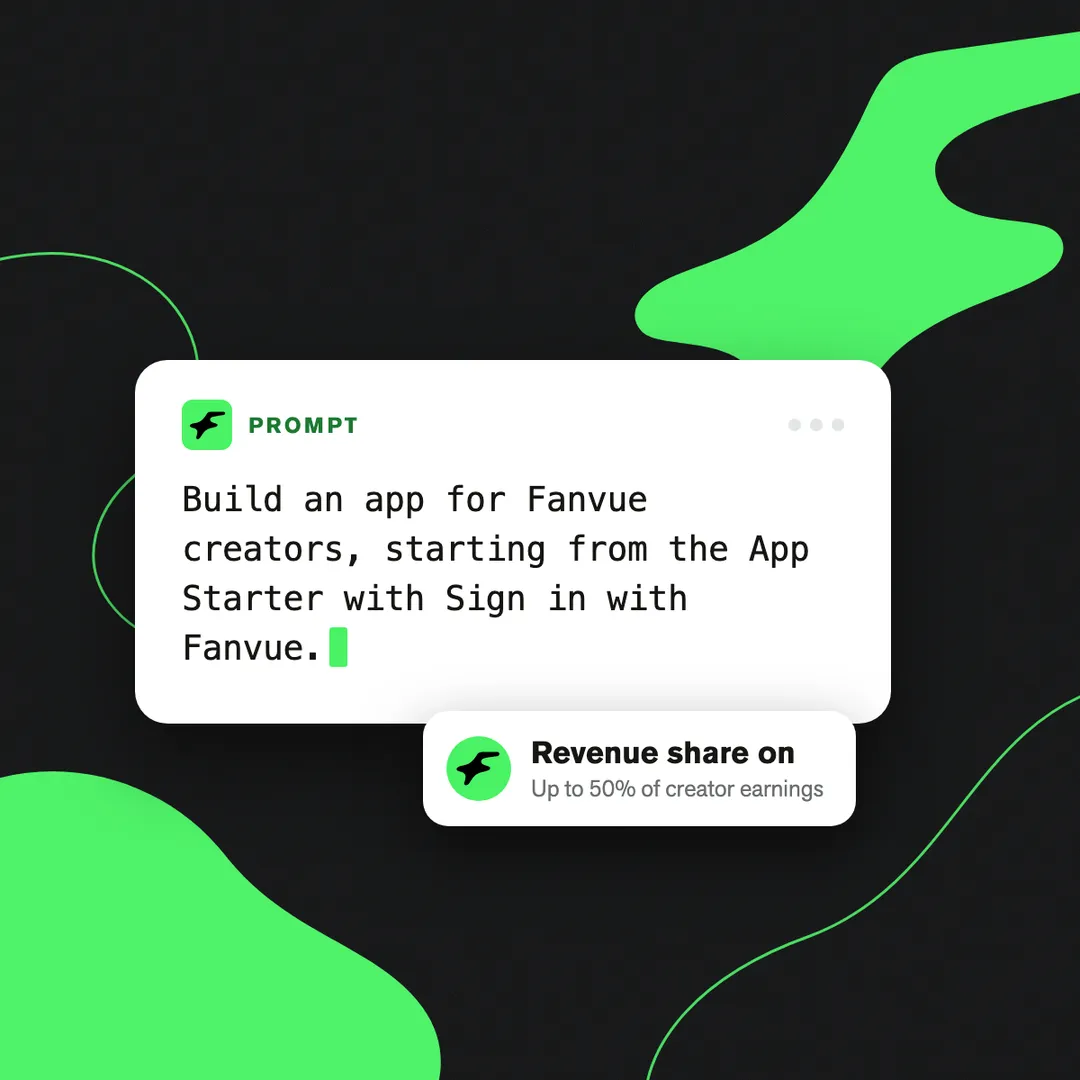
Building an app got quick. Getting paid for it didn't.
Coding agents mean a developer, or an agency's tech team, can ship a working tool in a day or two. The hard part is everything after: sign-in, checkout, billing, and finding someone to buy it.
That's what we've fixed.
From today, you can build apps for Fanvue creators and fans, publish them to the Fanvue App Store, and take an agreed share: up to 50% of the creator earnings your app drives. Fanvue splits each eligible sale at checkout.
One prompt to build. One rate to set. Fanvue does the rest.
How it works
- Build it from one prompt. Point your editor at the Fanvue docs and send one prompt. Your agent builds the app from the Fanvue App Starter, with Sign in with Fanvue already working.
- Test it on your own account. An app you haven't submitted yet installs on your own account, so you can try it before anyone else sees it.
- Publish it to the App Store. Complete the App details checklist and submit for review. Once approved, creators can find and install it.
- Set your rate. Turn on Revenue share and choose one rate, up to 50% of creator earnings.
- Creators agree once. They see your rate on the Fanvue sign-in screen and tick to agree when they connect. Uninstalling ends it.
- Fanvue splits each eligible sale. Fans pay through Fanvue checkout. You don't build billing, send invoices or chase payment.
What you can build
If it helps creators earn, it can earn for you.
- Tools for creators and agencies: chat tools, CRMs, insights. Take a share of the paid messages your app sends, instead of charging a fixed monthly fee.
- Fan experiences: games, quizzes, challenges, live streams, video or events, published onto a creator's profile. Each can have up to 10 priced actions, from $3 to $500, and Fanvue handles listing, checkout and launch.
- Agency tools you already use: built a tool for your own creators? List it, so other creators can install it too.
The fee, stated plainly
You set a rate up to 50% of the creator's earnings on eligible sales. Fanvue takes its platform fee on the sale first, then keeps 20% of your share.
Which sales count: paid messages and media your app sends, paid access to its fan experiences, and actions fans buy inside them. Not creator subscriptions, renewals, tips or checkout links.
To be paid, you need a Fanvue creator account with KYC complete.
Get started: five prompts
These are broad prompts your own agent turns into your app, not finished ideas to copy. They run in order, from idea to getting paid.
Set up once
- In the Developer Area, create a developer profile and an app, from a Fanvue creator account or an agency admin account.
- Point your editor at the Fanvue docs and install the Builder SDK.
- Optional: connect the Fanvue MCP server (mcp.fanvue.com/mcp) and sign in with Fanvue, so your agent can call endpoints while it builds. It doesn't cover fan experience endpoints.
- To be paid later, use a Fanvue creator account with KYC complete.
1. Ask your agent what you could build
What you'll see: five ideas, each tied to the API and to how it earns. Pick one.
2. Build the one you picked
What you'll see: your app running, signed in on your own account.
3. Make something fans can join (optional)
What you'll see: the experience on your own profile. Experience calls go through the app's own sign-in, not the MCP server.
4. Get it ready for the App Store
What you'll see: the gaps to fix, and listing text ready to paste. Fix what it lists, then submit for review from the App details checklist.
5. Choose how it earns
What you'll see: which sales count, so you can set your rate. Then turn on Revenue share on the App details tab.
Good to know
Can agencies build apps? Yes. An agency admin account can build and list apps, and the API and MCP reach every creator it manages. The share is paid to a Fanvue creator account with KYC complete.
Can I charge a monthly fee and a share? Not yet. It's one revenue share setting per app. A fee plus a rate is coming soon.
Does anything change for fans? No. Fans pay the same price through the same Fanvue checkout. The share comes out of the creator's side.
Where can I read more? App revenue share · Scaffold an app · Publishing your app · How fan experiences work


